Part 6 · Changing the boards

×
Open the board settings
1
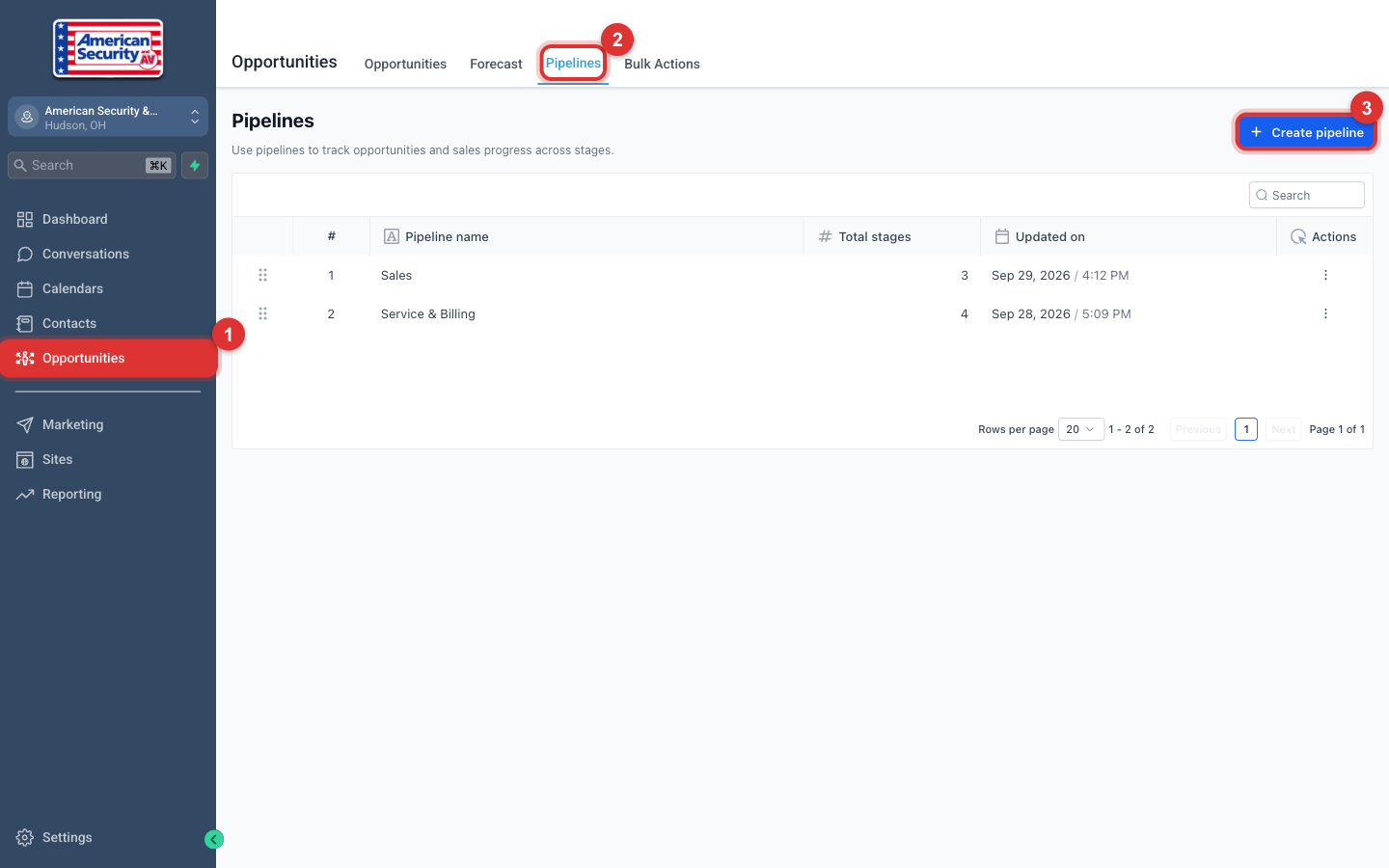
Click Opportunities in the menu.
2
Click Pipelines at the top. You see every board.
3
Create pipeline starts a brand-new board. See “Create a new board” at the end of this part.
Good to know
Only Frank and Mike see the Pipelines tab. A change shows for everyone straight away.